
Collaboration tools have changed the way we work and have been the communication lifeline for many of us during the Covid-19 pandemic. With these tools, we can connect with our colleagues, suppliers and clients remotely. We can work together in real-time and save time. In this two-part blog article, we explore 10 of the best available collaboration tools to help you improve teamwork, productivity and make your business more agile. In the second of our 2-part guide, we will look at the following collaboration tools:
Whereby
Online meeting tool

Whereby is a less known alternative to Zoom, you can meet over video by sharing a personalised URL with your guest and neither of you have to download or install software or a browser extension.
Voted the easiest to use video tool it has an intuitive interface and a wide range of features together with integration options to Miro, YouTube, Outlook, Slack, Google Docs and Trello. What’s more, you can host up to 100 participants for 45 minutes at no cost!
Some of Whereby notable clients include IKEA, Ogilvy, Hubspot, Netflix, Spotify and Shopify.
Pricing: Free plan available. Premium plans start from $6.99/month
Website: whereby.com
Airtable
Database tool with the familiarity of a spreadsheet

Airtable brings together the functionality of a spreadsheet and a database that’s user friendly and accessible to all. That said, it is extremely powerful and used by small to large businesses, some of whom have used Airtable to create their own personalised customer-relationship management, task management, inventory planning, project management systems tailored to their commercial needs.
Tesla use Airtable to identify and track vehicles that leave its factories, WeWork use it to manage customers feedback, whilst Time magazine use it to manage the content production.
Valued at $5.77 billion, the company has had a series of funding and investment which has totalled $617 million according to TechCrunch. Airtable’s CEO, Howie Lui said “We think we can be what Windows was for personal computing,”. “We’re confident we can be the Apple or Microsoft of the low-end-app space.”
To help you establish user cases within your business, Airtable has templates and what it calls Universe where it has a collection of Airtables setup that you can repurpose for your use. Most notable we enjoyed exploring the universe and looking under the hood of how some of these businesses had used the tool which gaves us ideas for our own business.
Integrations – over 1000 including Asana, Eventbrite, Dropbox, Evernote, Facebook, Gmail, MailChimp and Slack.
Some of Airtable’s notable clients include Medium, Expedia, Netflix, Time, Shopify and Autodesk.
Pricing: Free plan available. Premium plans start from $10/month
Website: airtable.com
Toggl
Time tracking tool
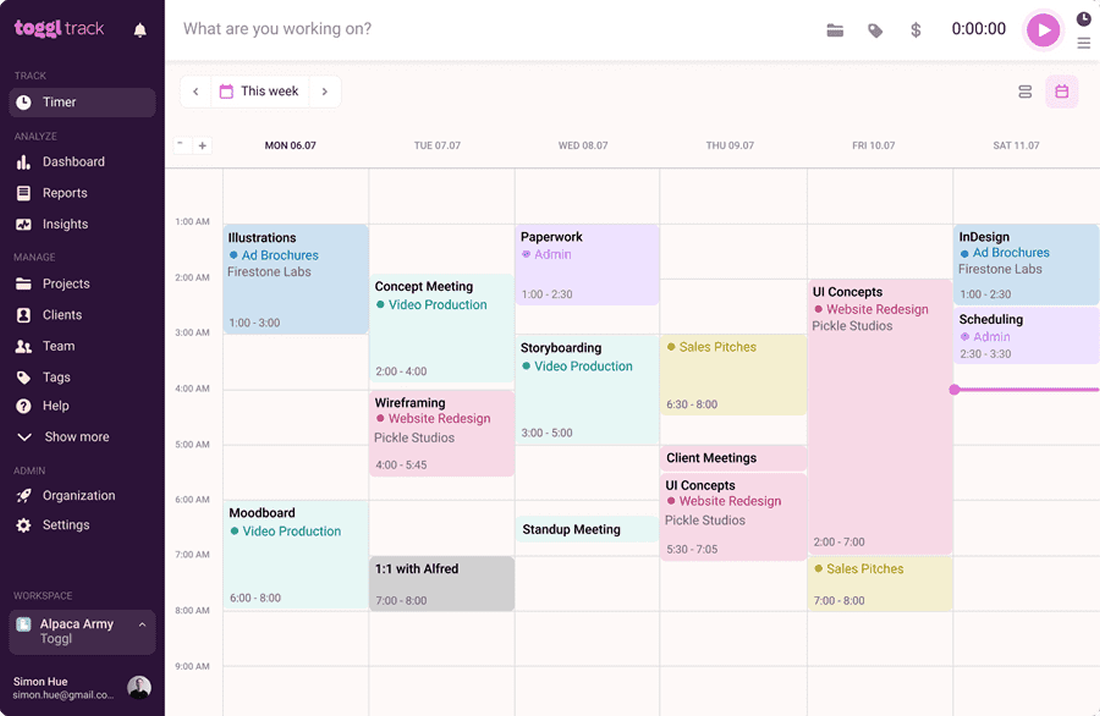
Toggl is an easy to use time tracking tool trusted by over 5 million users and works on Windows, iOS and Android devices both online and offline and it syncs in real time.
You can track time taken on projects, integrate with your calendar and subsequently gain insights through the reporting functionality. The insights allow you to ascertain project profitability, ensure you are working to schedule and budget in addition to guiding future project estimates. Whilst providing accountability across the team it identifies where staff are overworked or underworked thus enabling you to allocate resources accordingly.
The tool is an ideal option for remote employees where you’d like to track time without the need of invoicing, expense or employee-monitoring services, an alternative for that would be Harvest.
According to Toggl “studies have found that daily time tracking can reduce lost hours from 23% to less than 5%”.
Some of Toggl’s notable clients include Amazon, Uber, PWC, LinkedIn, Booking.com and SAP.
Pricing: Free plan available. Premium plans start from $9/month
Website: toggl.com
Evernote
Organised note keeping
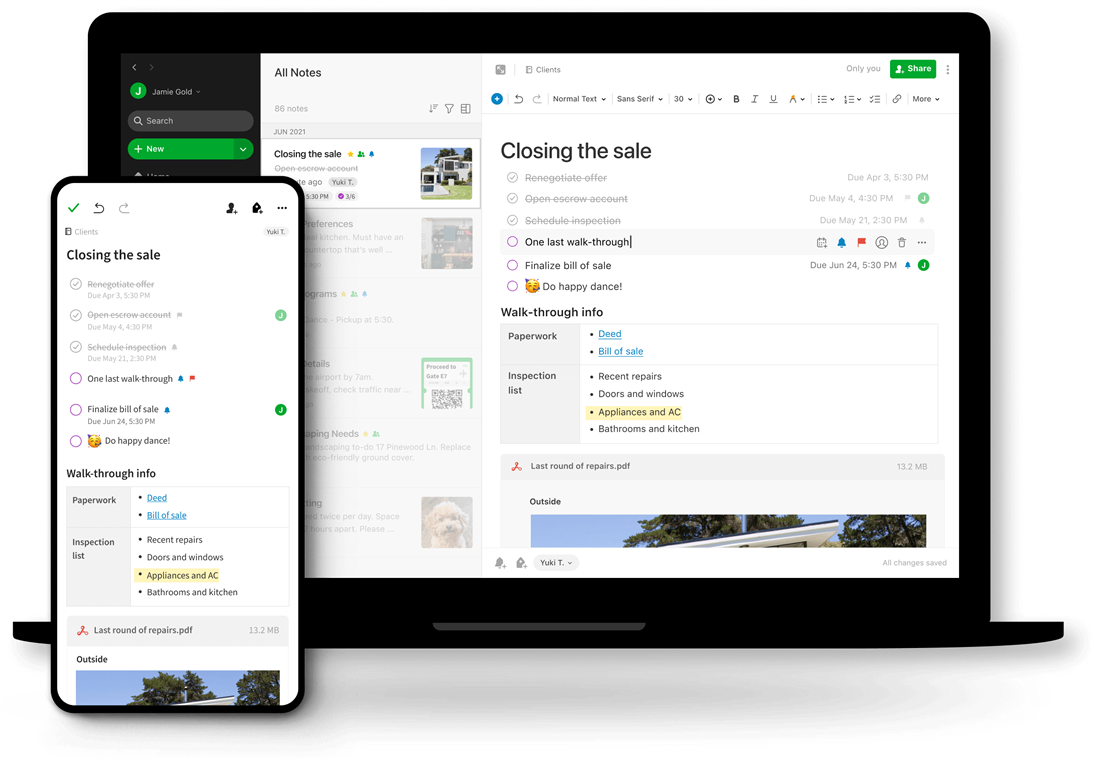
Evernote is amongst the most popular note keeping tools but it is far from just another note keeping tool, it helps you collaborate with your team, manage tasks and even has calendar functionality.
Designed to help you capture and manage notes, ideas and projects you are able to attach documents, upload PDF’s and images, and add voice memos.
Available for Windows, iOS, Linux and Android, Evernote syncs your content across your devices so you can work wherever you are.
Pricing: Free plan available. Premium plans start from £5.99/month
Website: evernote.com
Dropbox
Cloud file sharing
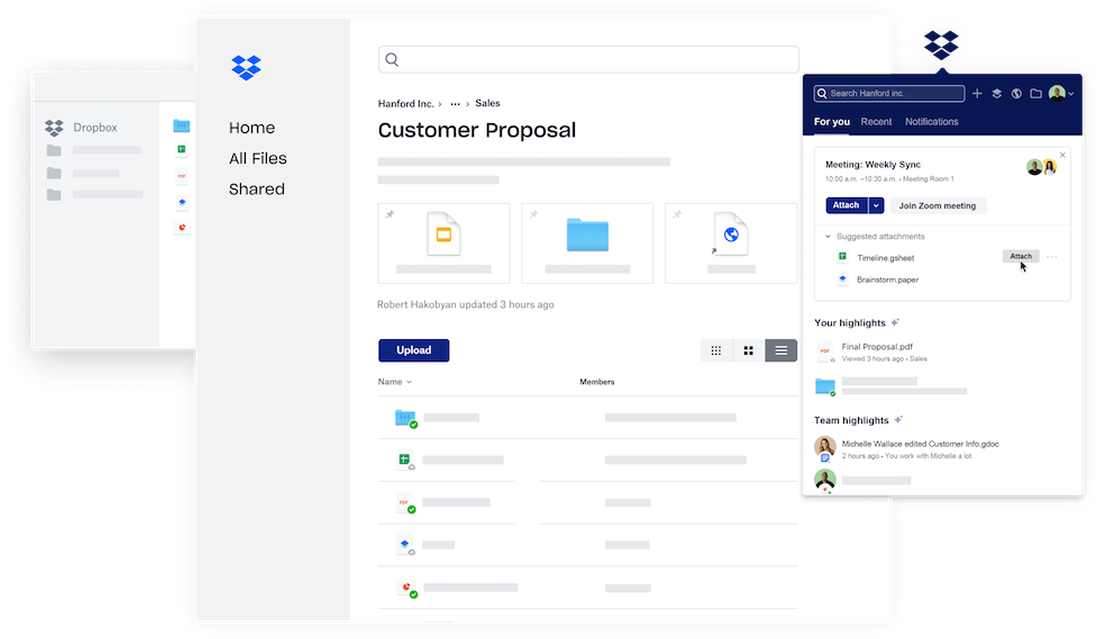
Dropbox is a cloud-based file storage solution. Accessible across various devices and by multiple people if you have the team plan that is great for putting all your teams’ content or even to share specific files with colleagues or suppliers.
Some of Dropbox notable clients include Lonely Planet, National Geographic, Ben & Jerrys, The University of Sydney and UCL.
Pricing: Free plan available. Premium plans start from £16.58/month
Website: dropbox.com
The bulk of our clients are small to medium-sized businesses and the purpose of this article is to share tools that can be used by businesses of this size to make them stronger, agile and more competitive.
